Best mini PCs for running local AI models in 2026
A 70B-parameter model quantized to Q4_K_M needs roughly 40 GB of memory before you add any context window, which rules out every 16–32 GB machine. Once the model fits, memory bandwidth largely sets your tokens per second. This guide matches eight mini PCs to the largest model each can hold. They range from a 16 GB Mac mini for 7B–14B models up to a Mac Studio configurable to 512 GB.
Quick picks
Disclosure: we may earn a commission when you buy through links on this page, at no extra cost to you.
Two numbers decide every pick below. Memory capacity sets the largest model you can load, and memory bandwidth sets how many tokens per second it generates once loaded. Each recommendation is the smallest machine that clears a specific model-size bar.
The top M4 Max configuration reaches 546 GB/s of memory bandwidth and up to 128 GB of unified memory. That is roughly double the 256–273 GB/s of the Strix Halo and GB10 machines, so 70B models run at usable speeds through MLX. The $3,399 starting price is for the entry configuration. Budget extra for the 128 GB build you need for 70B.
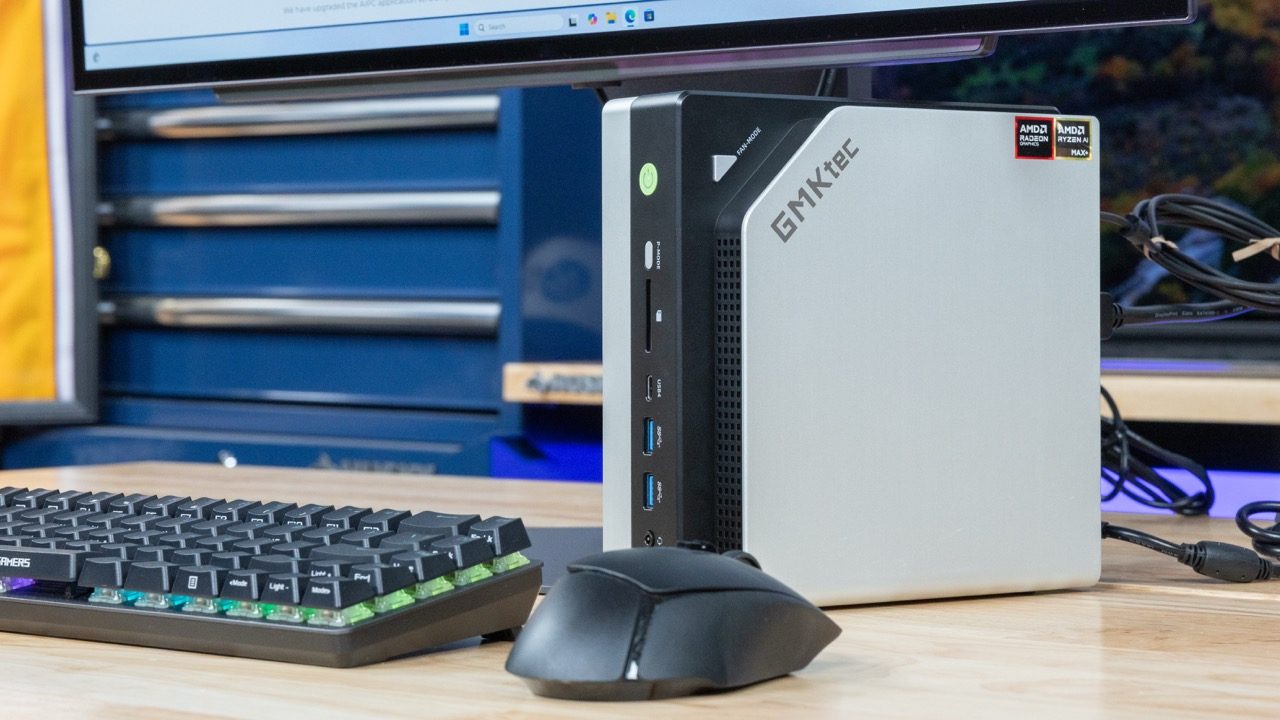
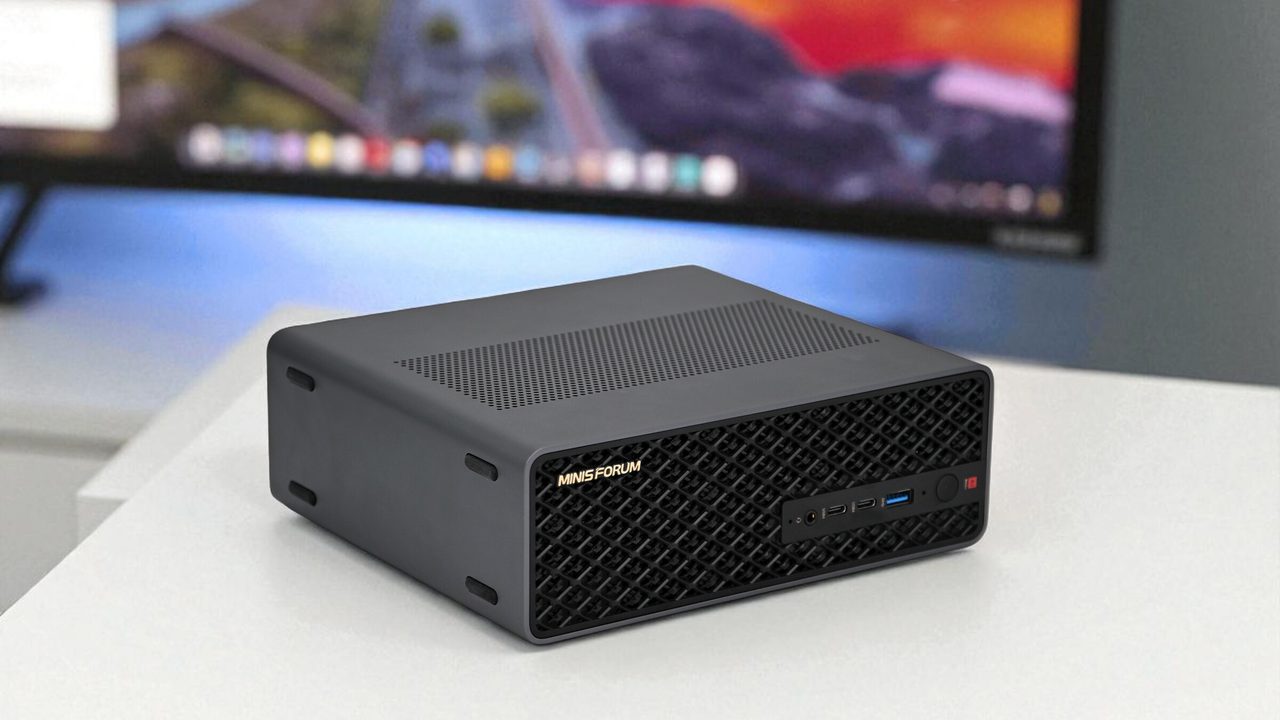
At $2,599 it pairs the Ryzen AI Max+ 395 (Strix Halo) with 128 GB of unified memory. That is the same platform and capacity as the GMKtec EVO-X2 for about $900 less. Pick this one if you want 70B-class capacity on Windows or Linux with ROCm and llama.cpp, and don't need macOS.
It can be configured with up to 512 GB of unified memory and has 819 GB/s of bandwidth, the highest of any machine here. That is enough to load 120B+ open-weight models at high precision, or a 70B model at FP16 (~140 GB), which no 128 GB machine here can hold.
It has 273 GB/s of bandwidth and 64 GB of memory. That runs 32B models comfortably, or a 70B model at 4-bit with a short context window. It suits developers who mainly use mid-size models and want MLX without paying for a Mac Studio.
| If your target model is… | Start with | Why it clears the bar |
|---|---|---|
| 32B at 4-bit, daily use | Apple Mac mini (M4 Pro, 64GB) | 64 GB holds ~20 GB of weights plus a generous context window |
| 70B at 4-bit, Windows/Linux | Minisforum MS-S1 Max | 128 GB of unified memory on Strix Halo |
| 70B at 4-bit, fastest replies | Apple Mac Studio (M4 Max) | 546 GB/s and up to 128 GB of unified memory |
| 70B at FP16 or 120B+ | Apple Mac Studio (M3 Ultra) | Up to 512 GB of unified memory and 819 GB/s |
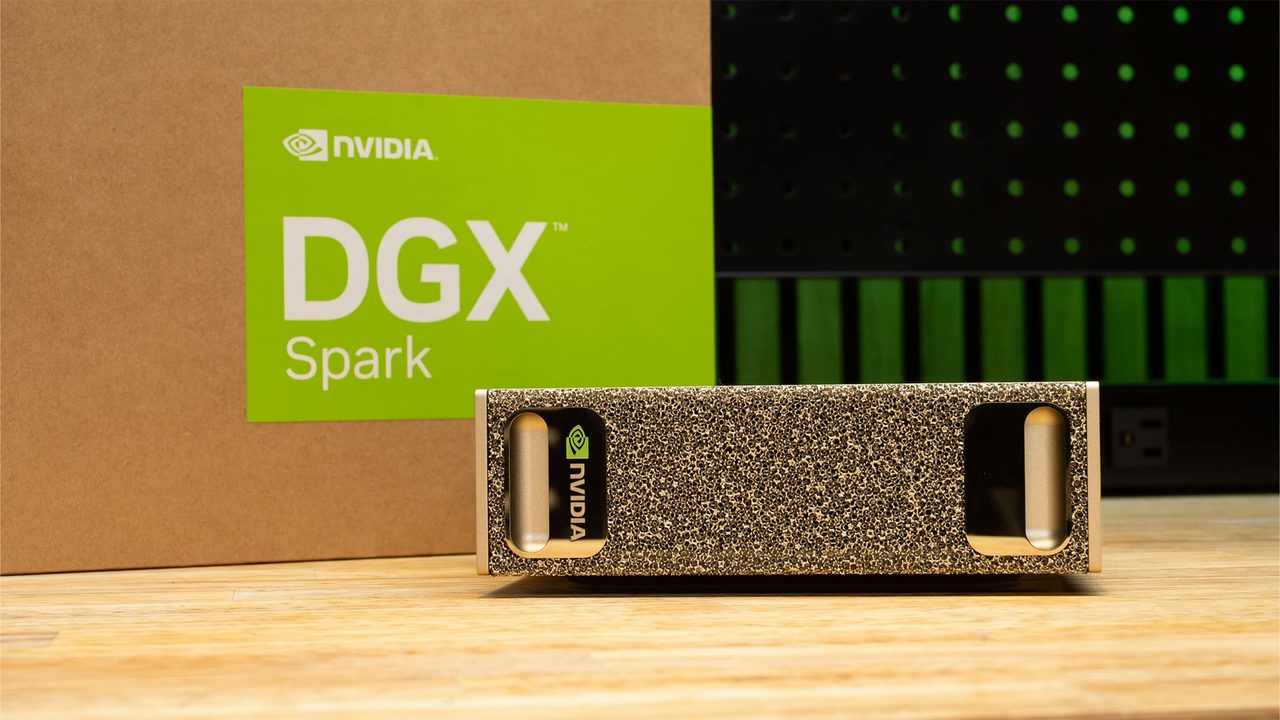
The NVIDIA DGX Spark and Acer Veriton GN100 are missing from this shortlist on purpose. Both offer 273 GB/s, about the same as Strix Halo, at more than twice the MS-S1 Max's price. Their case rests on CUDA compatibility rather than generation speed. The full comparison below explains when that trade is worth paying for.
All eight mini PCs compared
| Product | Rating | Price | Buy |
|---|---|---|---|
 GMKtec EVO-X2 (Ryzen AI Max+ 395, 128GB) 128GB unified memory to run 70B-class models locally +128GB shared memory: fits 70B models+120W mode for long inference runs -Soldered memory: cannot upgrade beyond 128GB | $3,499.99 | Buy → | |
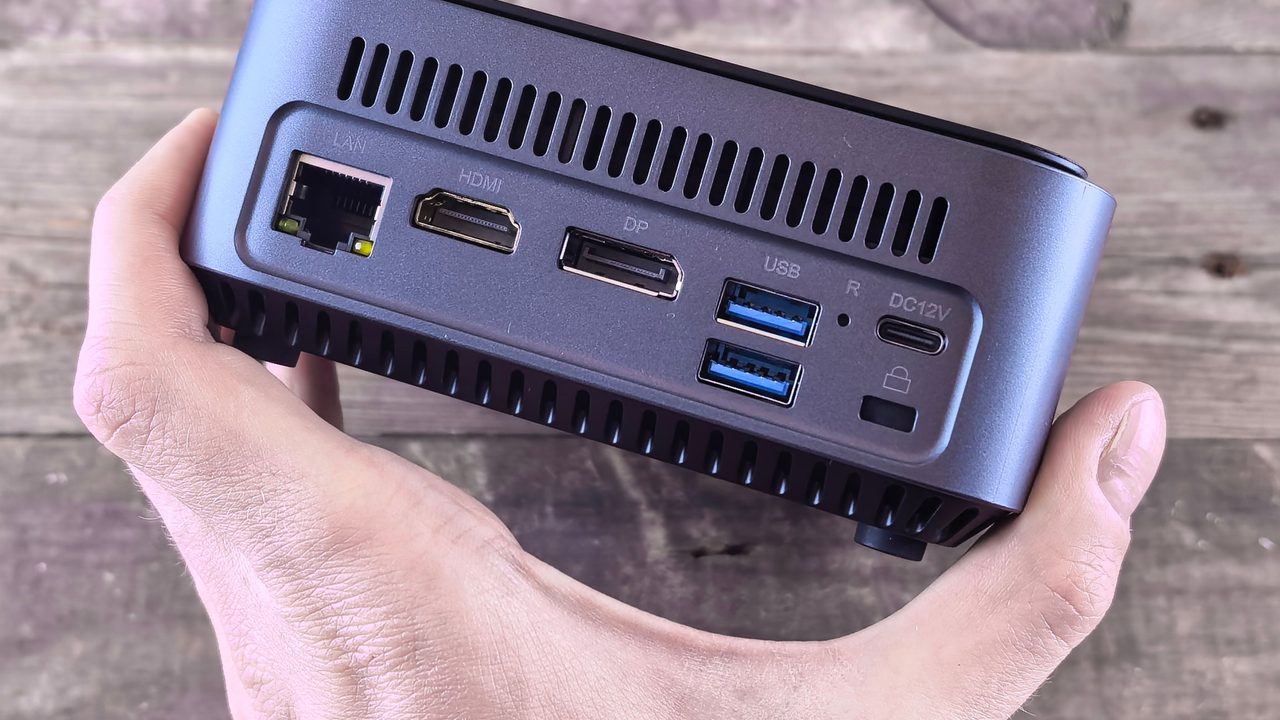
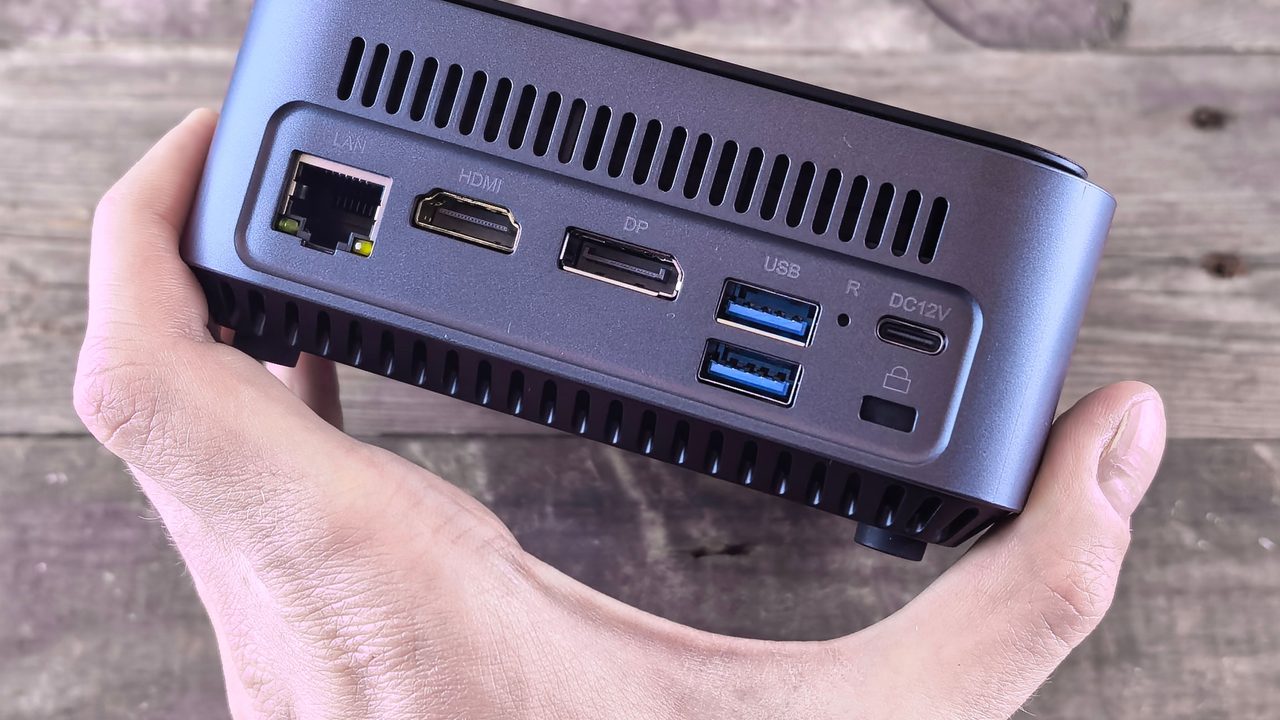
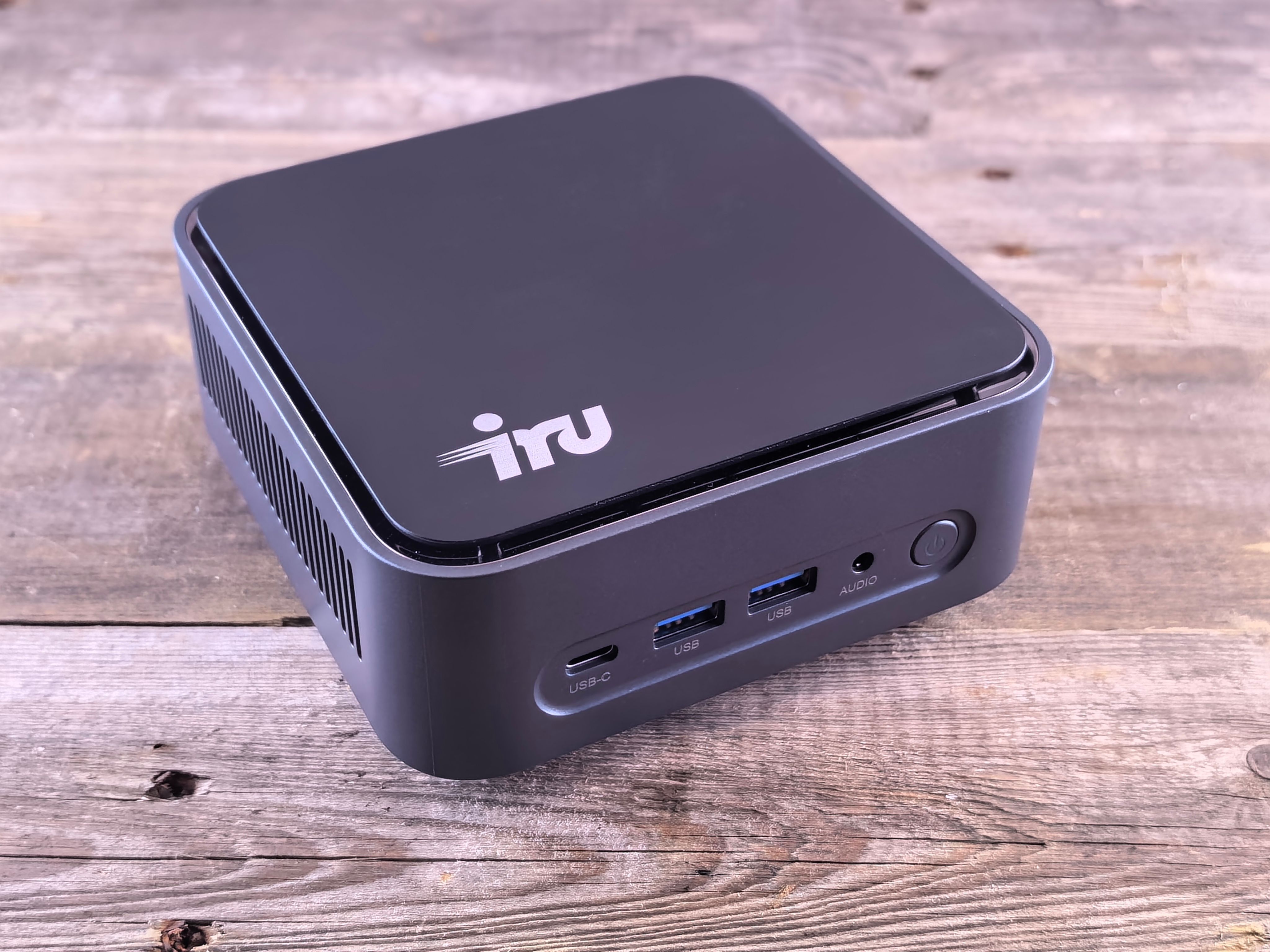
 Apple Mac mini (M4 Pro, 64GB) 64GB unified memory for 70B-class local models in a desk-sized box +64GB shared memory fits 70B-class quants+Small chassis runs quietly on a desk -No CUDA, so fewer fine-tuning tools | Buy → | ||
 Minisforum MS-S1 Max Best Value Ryzen AI Max+ 395 mini PC with dual 10GbE and a PCIe x16 slot for LLM clusters +64GB shared memory sidesteps VRAM limits+Dual 10GbE for multi-unit clustering -235B Q4 needs two units | $2,599.00 | Buy → | |
 NVIDIA DGX Spark 128GB unified memory and a 4TB SSD for running large open-weight LLMs on your desk +128GB memory: larger models fit+4TB SSD stores many models -Upgrade voids NVIDIA's original warranty | $8,699.99 | Buy → | |
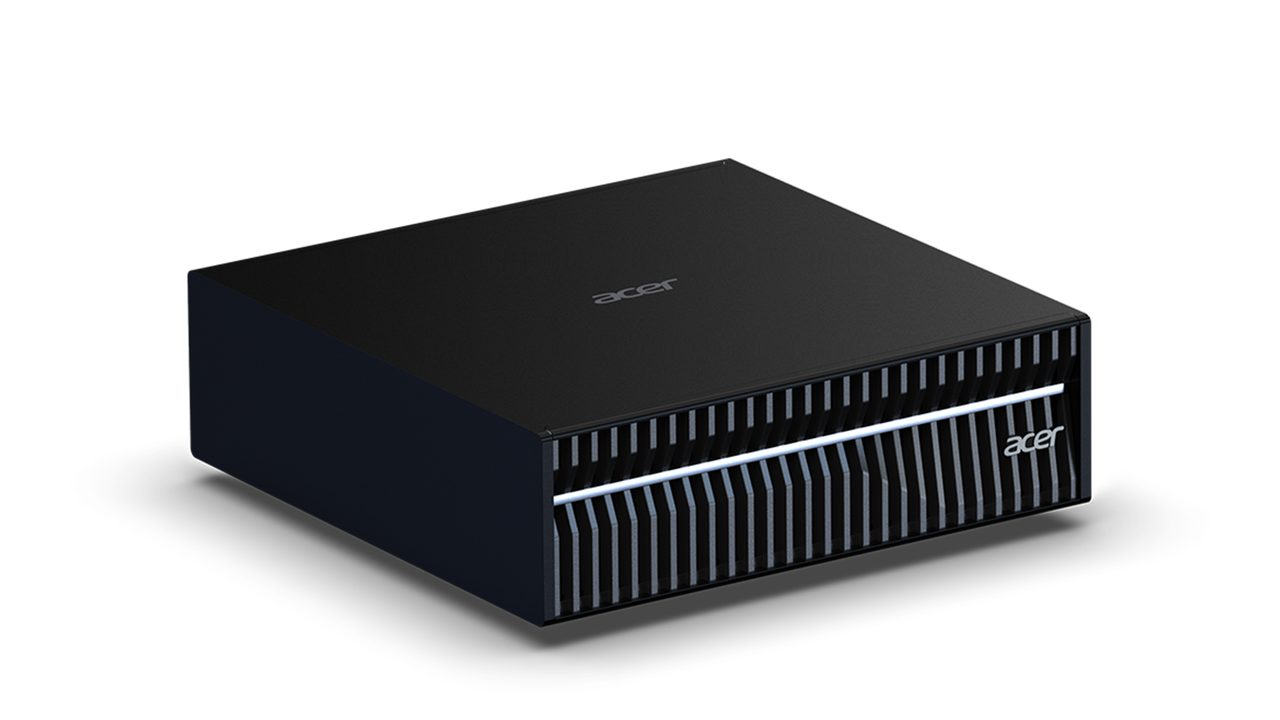
 Acer Veriton GN100 Editor's Choice 128GB unified memory and 20 cores for running large local models at your desk +128GB shared memory fits larger models+20 cores handle data-prep workloads -Upgrade voids Acer's original warranty | $6,699.99 | Buy → | |
 Apple Mac Studio (M4 Max) Up to 128GB unified memory in a 7.7-inch box for large local models +128GB unified memory loads large models+7.7-inch square fits under monitors -No CUDA: some AI tools unsupported | $3,399.00 | Buy → |
Prices as of Nov 16, 2026; they may have changed since.
Shortlist by budget and ecosystem

128GB unified memory to run 70B-class models locally
- 128GB shared memory: fits 70B models
- 120W mode for long inference runs
- Two M.2 slots for model libraries
- Soldered memory: cannot upgrade beyond 128GB
- LPDDR5X: fewer tokens/sec than RTX VRAM

64GB unified memory for 70B-class local models in a desk-sized box
- 64GB shared memory fits 70B-class quants
- Small chassis runs quietly on a desk
- Front USB-C for quick drive swaps
- No CUDA, so fewer fine-tuning tools
- Prompt processing slower than Nvidia GPUs

Ryzen AI Max+ 395 mini PC with dual 10GbE and a PCIe x16 slot for LLM clusters
- 64GB shared memory sidesteps VRAM limits
- Dual 10GbE for multi-unit clustering
- PCIe x16 slot for add-in cards
- 235B Q4 needs two units
- Soldered LPDDR5x: no memory upgrades

128GB unified memory and a 4TB SSD for running large open-weight LLMs on your desk
- 128GB memory: larger models fit
- 4TB SSD stores many models
- 6-year seller warranty included
- Upgrade voids NVIDIA's original warranty
- Slower tokens than high-end discrete GPUs

128GB unified memory and 20 cores for running large local models at your desk
- 128GB shared memory fits larger models
- 20 cores handle data-prep workloads
- Up to 4TB SSD for models
- Upgrade voids Acer's original warranty
- Apps need manual install and setup

Up to 128GB unified memory in a 7.7-inch box for large local models
- 128GB unified memory loads large models
- 7.7-inch square fits under monitors
- Quiet cooling during long inference runs
- No CUDA: some AI tools unsupported
- Memory fixed at purchase, no upgrades
Up to 512GB of unified memory for very large local LLMs on one desk
- 512GB memory fits huge quantized models
- 80-core GPU speeds token generation
- 120Gb/s Thunderbolt 5 for Mac clustering
- No CUDA: some AI tools unsupported
- Prompt processing trails high-end NVIDIA GPUs

A 5x5-inch M4 box with 16GB unified memory for small local models
- 16GB unified memory runs small models
- 5x5-inch footprint fits beside monitors
- Thunderbolt: fast external model storage
- 16GB rules out larger models
- Memory can't be upgraded later
Prices as of Nov 16, 2026; they may have changed since.
Apple silicon vs Strix Halo vs Grace Blackwell
All three platforms use unified memory, so a 70B model fits on any of them once you buy enough capacity. They differ in three ways: how fast that memory feeds the chip, how much compute is available to read your prompt, and which software stack you'll be using.
| Apple silicon | Strix Halo (Ryzen AI Max+ 395) | Grace Blackwell (GB10) | |
|---|---|---|---|
| Memory bandwidth | 120 GB/s (M4) to 819 GB/s (M3 Ultra) | ~256 GB/s (256-bit LPDDR5X) | 273 GB/s |
| GPU-addressable memory | Most of the pool; macOS reserves a share | Up to 96 GB on Windows, more on Linux | Full 128 GB pool |
| Prompt processing (prefill) | Slowest of the three on long inputs | Moderate | Fastest (FP4 Tensor Cores) |
| Main software | MLX, llama.cpp (Metal) | llama.cpp via ROCm or Vulkan | CUDA, full NVIDIA stack |
| Operating system | macOS | Windows or Linux | DGX OS (Ubuntu-based) |
| Catalog machines | Mac mini (M4), Mac mini (M4 Pro), Mac Studio (M4 Max), Mac Studio (M3 Ultra) | GMKtec EVO-X2, Minisforum MS-S1 Max | NVIDIA DGX Spark, Acer Veriton GN100 |
| Best fit | Chat and coding assistants | 128 GB for the least money | CUDA developers and fine-tuning |
The rule of thumb: tokens per second on a dense model scale roughly with bandwidth divided by model size. A 70B model at Q4_K_M takes about 40 GB. On a 273 GB/s machine, that puts a ceiling of roughly 6–7 tok/s on generation, and real-world results come in below that. The Mac Studio (M3 Ultra) at 819 GB/s has about three times that headroom. Mixture-of-experts models activate only a fraction of their parameters per token, so they run much faster on all three platforms. A 30B-class MoE with a few billion active parameters feels responsive even on Strix Halo.
Apple silicon is the simplest path. MLX and llama.cpp run natively, so you can install a model and start chatting with little setup. Its weak spot is prefill: when you paste in a long codebase or document, time to first token (TTFT) stretches noticeably compared with NVIDIA. The Mac Studio (M4 Max) offers the best balance of generation speed and price, at up to 546 GB/s from $3,399. The Mac mini (M4) at 120 GB/s is fine for 7B–14B models and too slow for more.
Strix Halo is aimed at tinkerers. The GMKtec EVO-X2 ($3,499.99) and Minisforum MS-S1 Max ($2,599) both offer 128 GB of unified memory, and the MS-S1 Max is the cheapest route to that capacity in this roundup. You give up some convenience in return. ROCm and Vulkan backends still trail CUDA, and you'll want Linux if you need more than 96 GB assigned to the GPU.
Grace Blackwell generates no faster than Strix Halo on large dense models, because its bandwidth is only about 7% higher. The price premium buys CUDA, FP4 Tensor Core compute and fast prefill. The NVIDIA DGX Spark and Acer Veriton GN100 make sense if you prototype code that will later run on NVIDIA data-center hardware, or if you plan to fine-tune. If you only want a local chat assistant, the extra cost is hard to justify.
How much memory you need for 7B to 70B models
Start with the parameter count of the largest model you plan to run and multiply by the bytes each weight takes at your chosen quantization. At Q4_K_M, the 4-bit format most llama.cpp and Ollama users run, each weight takes a little over half a byte. At 8-bit it takes about one byte, and at FP16 it takes two. The table below covers the weights only. It does not include the running costs covered further down.
| Model size | Q4_K_M (4-bit) | 8-bit (Q8_0) | FP16 |
|---|---|---|---|
| 7B | ~4–5 GB | ~8–10 GB | ~14 GB |
| 14B | ~9 GB | ~18 GB | ~28 GB |
| 32B | ~20 GB | ~40 GB | ~64 GB |
| 70B | ~40–43 GB | ~80–86 GB | ~140 GB |
Budget for the context window and the OS
The weights are only part of what you need. The KV cache grows with every token in the context window. Plan for several extra GB if you paste long documents, run coding agents or keep long chats going. On a 70B model, that cache can push total use well past the ~40 GB weight figure. The operating system, your browser and the inference app also need their own share. A good rule is to buy at least 15–25% more memory than the weight figure, plus more if you want long context.
In practice, buyers fall into three tiers:
- 16 GB: up to 14B. The Apple Mac mini (M4, 16GB) runs 7B comfortably and 14B at 4-bit. Little memory is left over for long prompts, and 32B will not fit.
- 64 GB: the minimum for 70B at 4-bit. The Apple Mac mini (M4 Pro, 64GB) can load a 70B model at Q4_K_M, but only with a short context window. It is a much better fit for 32B, which leaves room for long context.
- 128 GB: 70B with room to spare. The GMKtec EVO-X2, Minisforum MS-S1 Max, NVIDIA DGX Spark, Acer Veriton GN100 and a 128 GB Apple Mac Studio (M4 Max) can run 70B at 8-bit or at 4-bit with a long context. If you need FP16 70B or models larger than 100B, the Apple Mac Studio (M3 Ultra) is the only option here.
By default, macOS reserves part of unified memory for the system and limits how much the GPU can use. On the Apple Mac mini (M4 Pro, 64GB), the GPU can therefore use noticeably less than 64 GB. A 40–43 GB 70B model, plus its KV cache and the apps you have open, comes close to that limit. Expect to keep the context short and close other apps. If 70B is your main model, the 128 GB tier is the safer purchase.
Bottom line: buy the smallest tier that holds your target model's weights at your preferred quantization, with room left for context and the OS. Extra memory beyond that tier only helps if you move up to a larger model or higher precision.
Frequently asked questions
How did you rank these mini PCs?
We built this ranking from manufacturer spec data, published llama.cpp and MLX benchmarks, and owner reports. We did not physically test these products. Picks are weighted by memory capacity (which models you can load), memory bandwidth (how fast they generate), software support (MLX, ROCm or CUDA maturity) and price per GB of usable memory. That weighting is why the $2,599 Minisforum MS-S1 Max, with 128 GB of unified memory, ranks as best value above the $8,699.99 NVIDIA DGX Spark. Both sit near the same bandwidth class, but the DGX Spark costs far more per gigabyte.
Can these machines train models?
They are built for inference and light fine-tuning (LoRA), not full training. A 128 GB machine such as the GMKtec EVO-X2 or Acer Veriton GN100 can run LoRA on small and mid-size models. The GN100 and DGX Spark also get CUDA, which most fine-tuning tooling targets first. Full training of large models still needs data-center GPUs. None of these boxes has the compute or the multi-GPU memory for it.
Is a mini PC better than a desktop GPU?
That depends on the model size you plan to run. A 24–32 GB graphics card generates more tok/s on models that fit entirely in its memory, such as 14B or 32B models at 4-bit. A 70B model at Q4_K_M needs roughly 40 GB for weights alone, so the card has to split it across much slower system RAM, and speed drops sharply. Unified-memory machines like the Mac Studio (M4 Max) or Mac mini (M4 Pro, 64GB) give up some peak speed. In return, they hold the whole model in one pool, draw less power and take up a fraction of the desk space.
Are open-weight models free for commercial use?
Not always. "Open-weight" means you can download the weights, but each model ships under its own licence. Some licences allow broad commercial use. Others cap usage above certain user counts, restrict specific applications or require attribution. Check the terms of the exact model and version before you deploy it in a product. Running it locally on any of these machines does not change what the licence permits.
Latest reviews
Guides & articles