Best compact AI workstations for 70B+ models in 2026
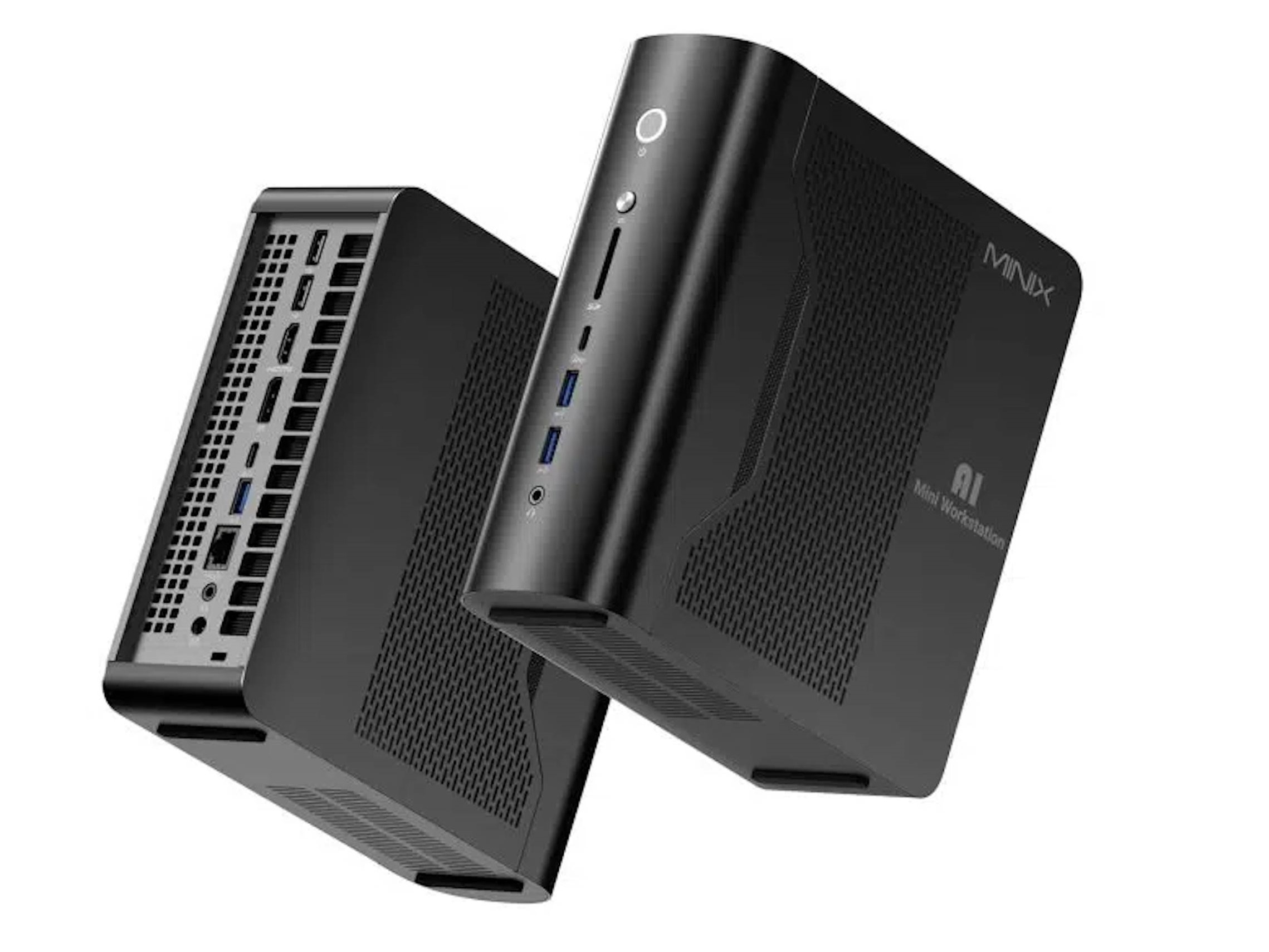
A 70B model quantized to Q4_K_M takes up about 40 GB before you add any context window. Every machine here can hold that, but generation speed varies by roughly 2x between them and prices range from $2,599.00 to $8,699.99. This guide is for buyers who want local LLM inference or fine-tuning on a desk instead of a rented GPU, and it shows which trade-off each machine makes.
Quick picks
Disclosure: we earn a commission if you buy through links on this page, at no extra cost to you. Our picks come from comparing published specs, pricing and public benchmarks. We did not run lab tests.
All five machines pair a 4-bit 70B model with 128GB of unified memory, so the choice comes down to generation speed, native CUDA support and price. Here's the full lineup at a glance, followed by our four picks.
Compact 128GB AI workstations compared
| Product | Rating | Price | Buy |
|---|---|---|---|
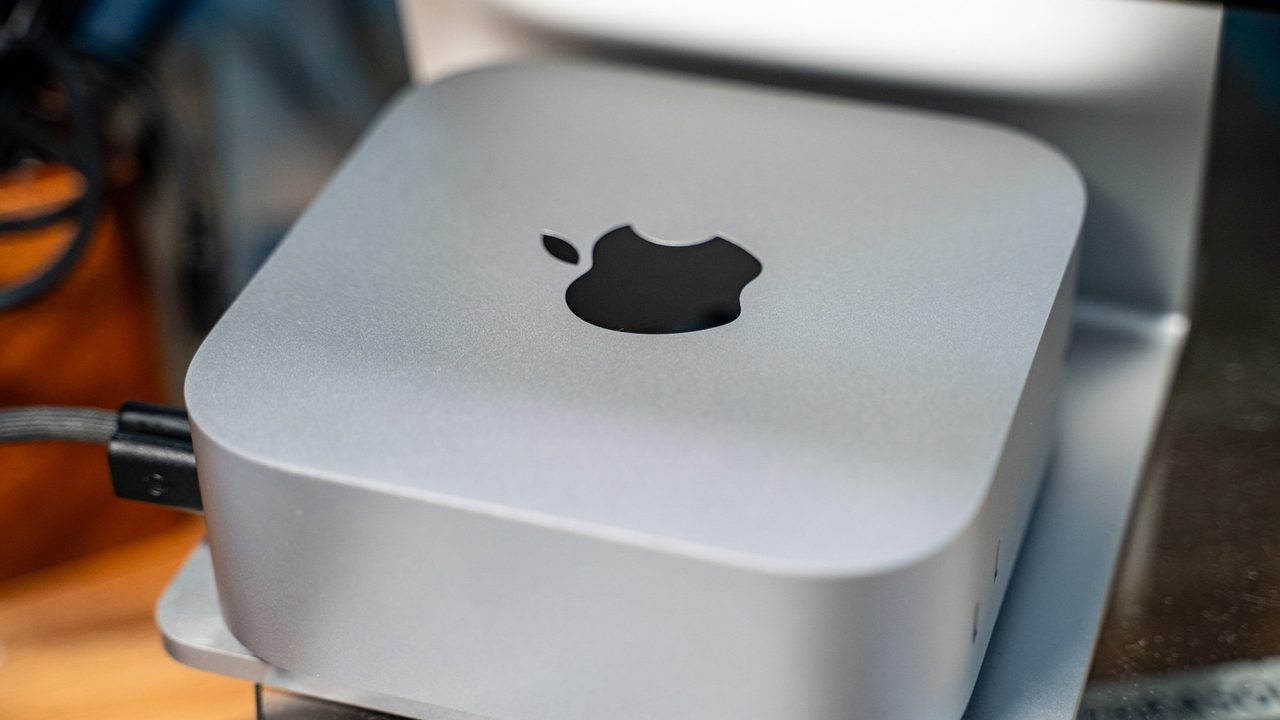
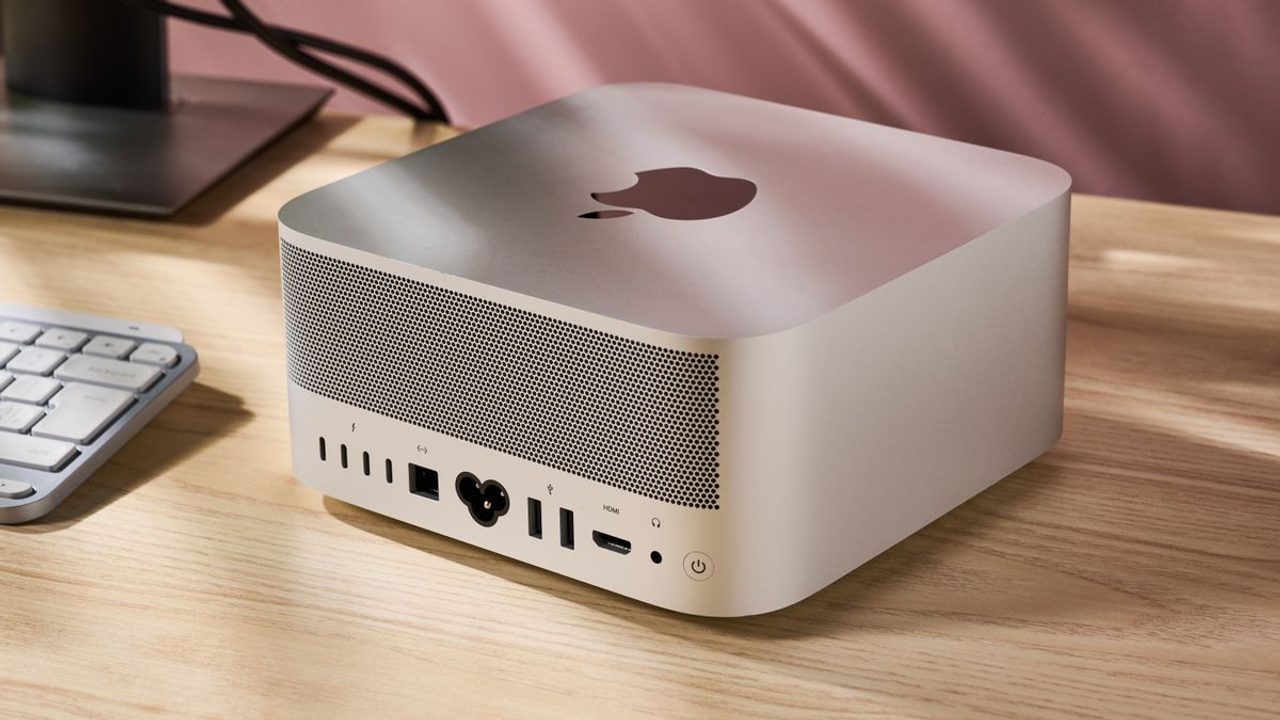
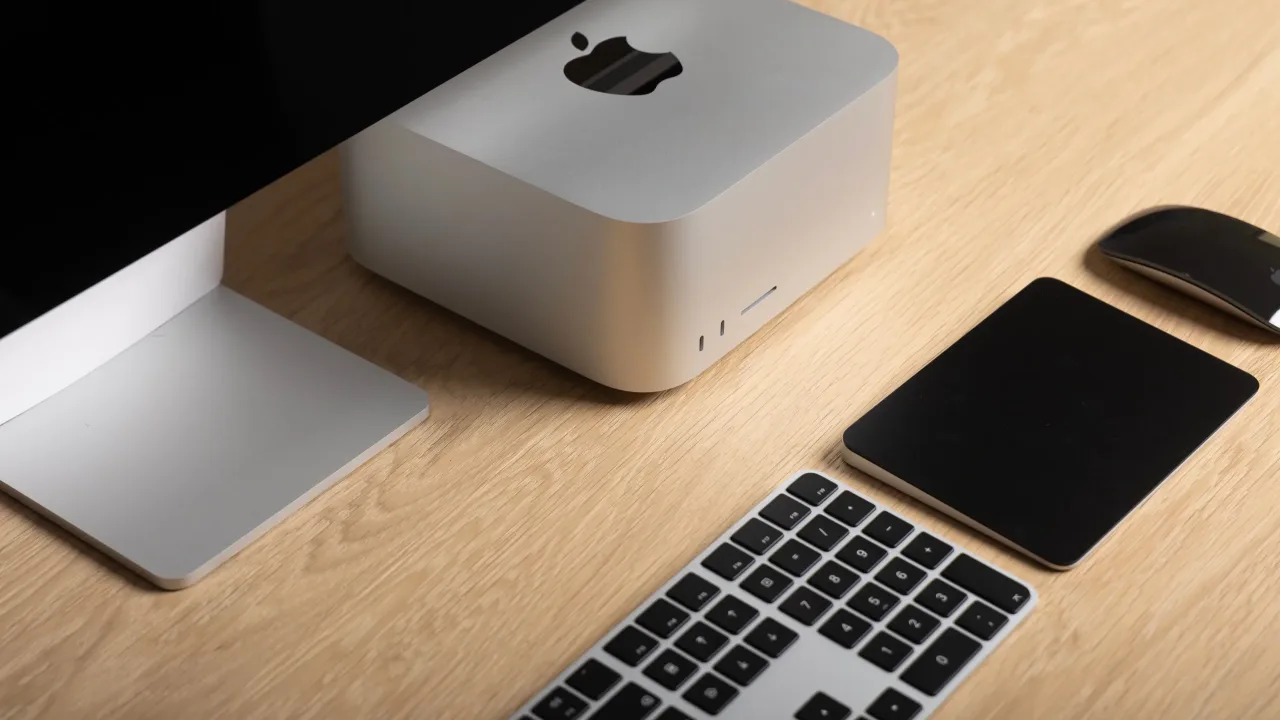
 Apple Mac Studio (M4 Max) Up to 128GB unified memory in a 7.7-inch box for large local models +128GB unified memory loads large models+7.7-inch square fits under monitors -No CUDA: some AI tools unsupported | $3,399.00 | Buy → | |
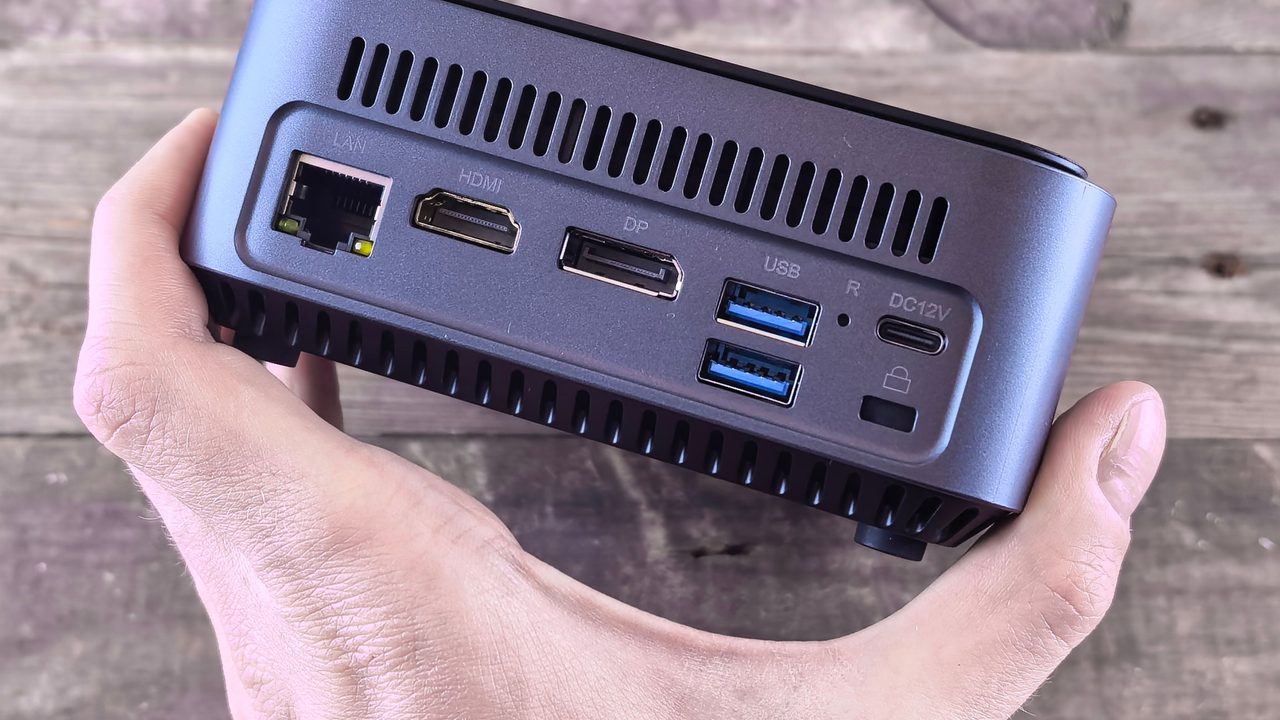
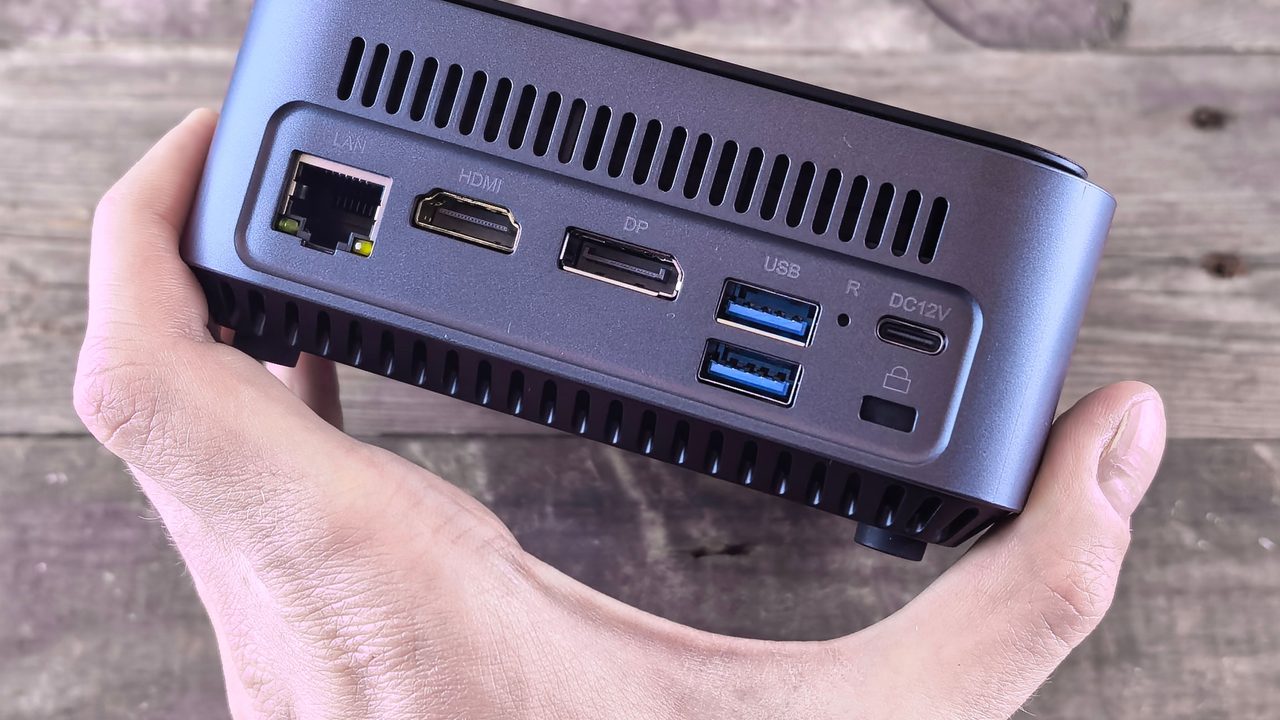
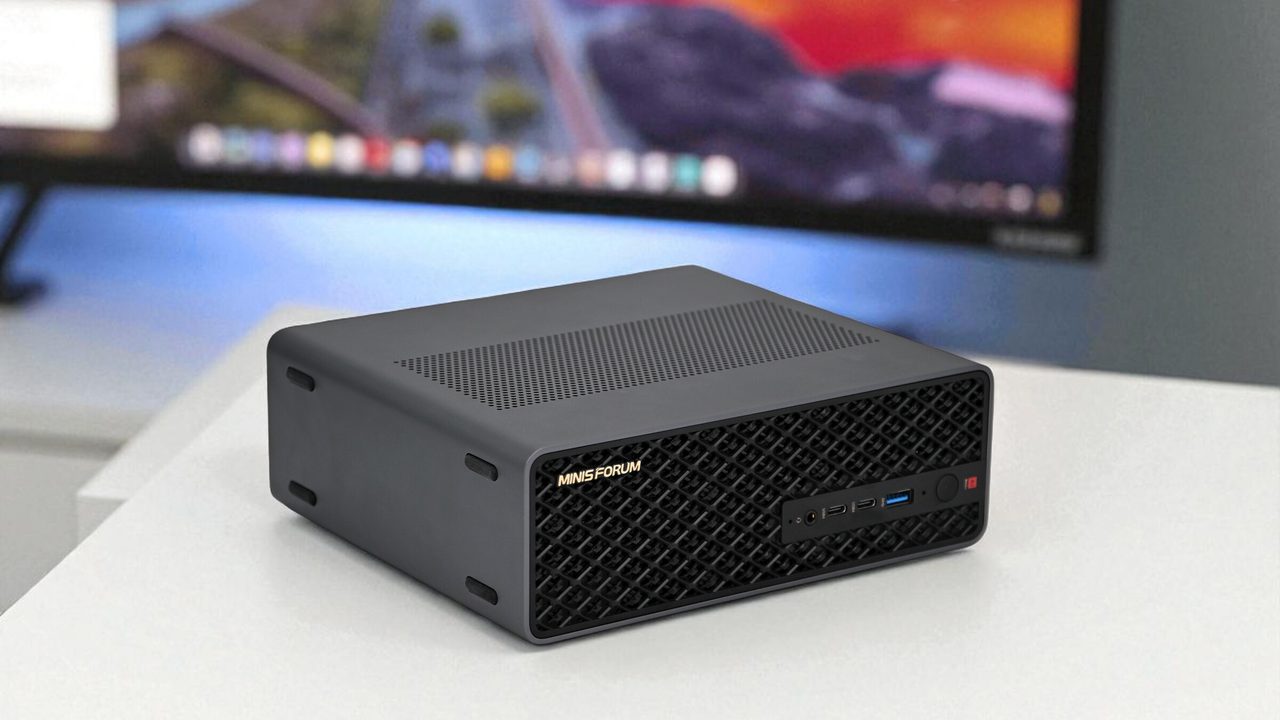
 Minisforum MS-S1 Max Best Value Ryzen AI Max+ 395 mini PC with dual 10GbE and a PCIe x16 slot for LLM clusters +64GB shared memory sidesteps VRAM limits+Dual 10GbE for multi-unit clustering -235B Q4 needs two units | $2,599.00 | Buy → | |
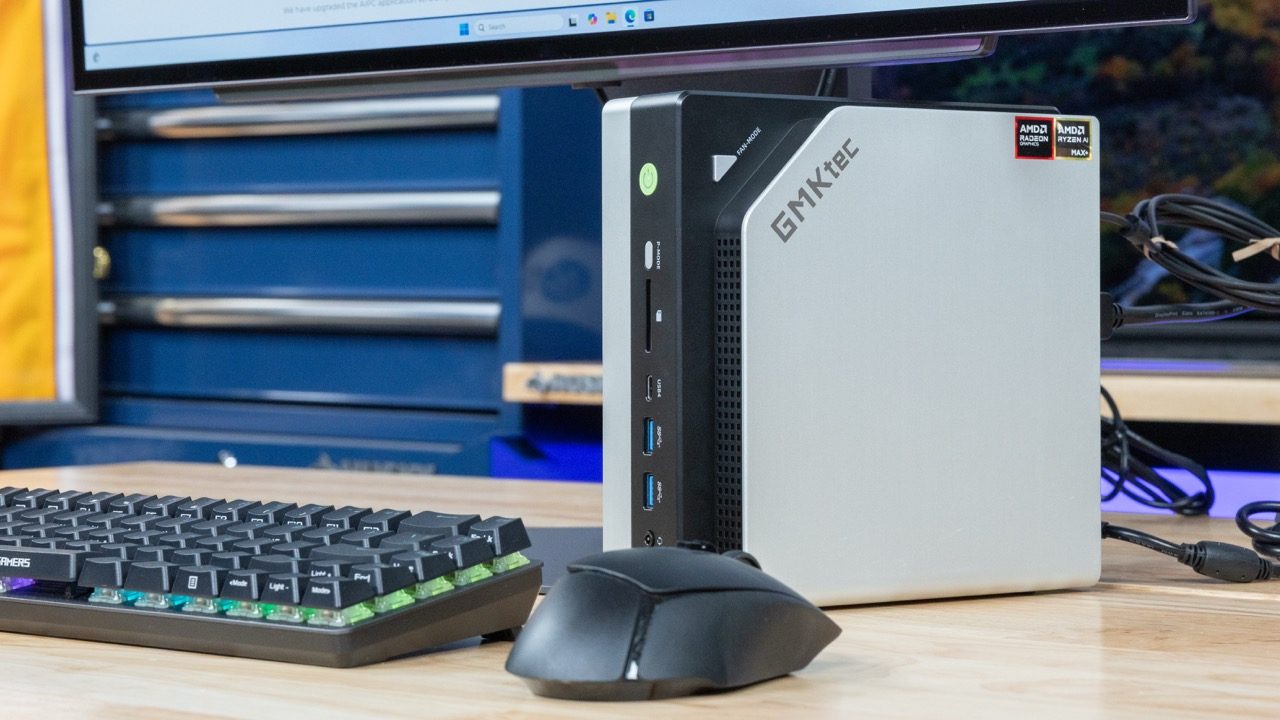
 GMKtec EVO-X2 (Ryzen AI Max+ 395, 128GB) 128GB unified memory to run 70B-class models locally +128GB shared memory: fits 70B models+120W mode for long inference runs -Soldered memory: cannot upgrade beyond 128GB | $3,499.99 | Buy → | |
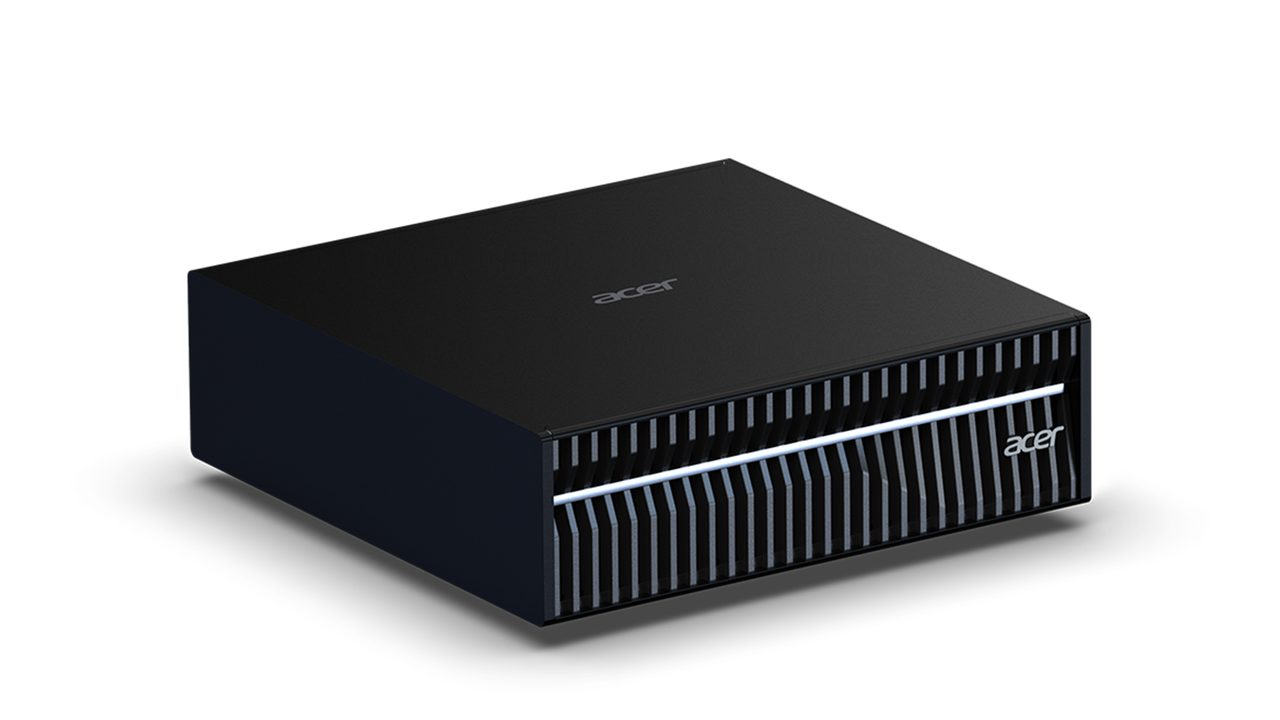
 Acer Veriton GN100 Editor's Choice 128GB unified memory and 20 cores for running large local models at your desk +128GB shared memory fits larger models+20 cores handle data-prep workloads -Upgrade voids Acer's original warranty | $6,699.99 | Buy → | |
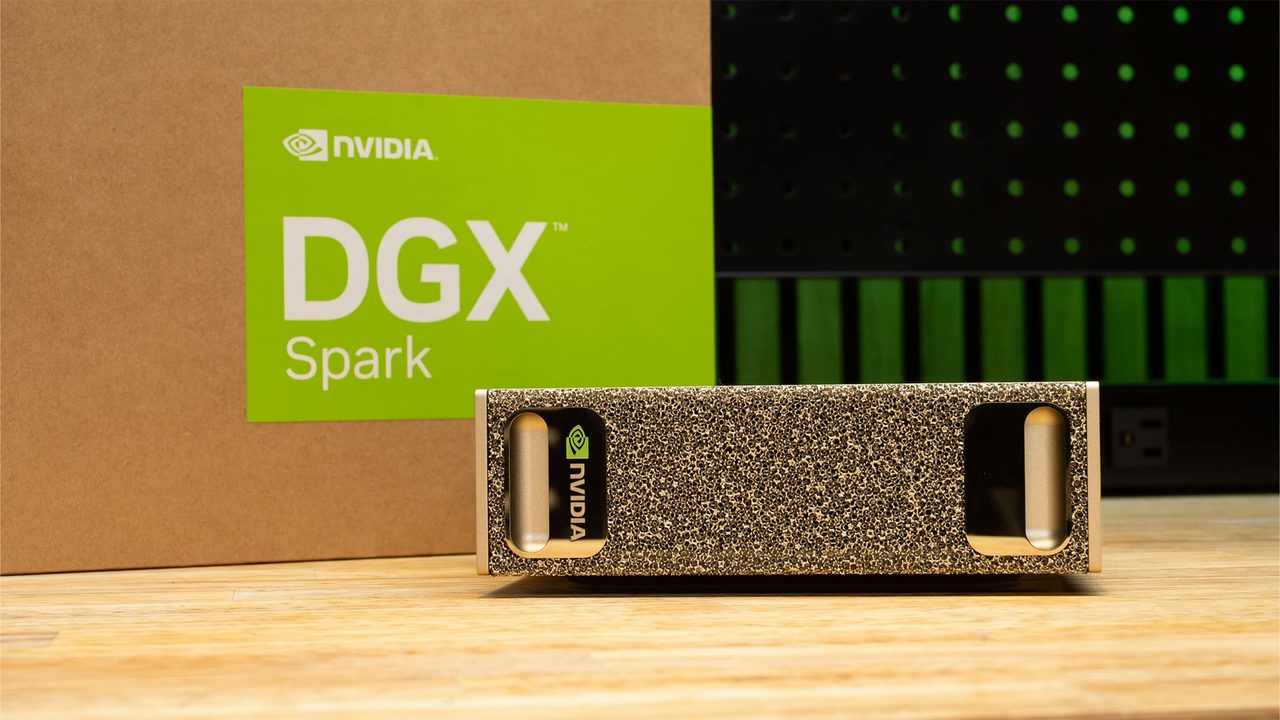
 NVIDIA DGX Spark 128GB unified memory and a 4TB SSD for running large open-weight LLMs on your desk +128GB memory: larger models fit+4TB SSD stores many models -Upgrade voids NVIDIA's original warranty | $8,699.99 | Buy → |
Prices as of Nov 16, 2026; they may have changed since.
Its 546 GB/s of memory bandwidth is roughly double that of the GB10 and Strix Halo machines. On a 4-bit 70B model, that works out to a ceiling of about 13 tok/s versus 6–7 tok/s for the rest. Choose it if you mostly chat with or serve a model through llama.cpp or MLX and don't need CUDA.
The GB10 Grace Blackwell chip pairs 128GB of unified memory with the native CUDA stack, so PyTorch, LoRA scripts and research code run without porting work. Built-in ConnectX-7 networking lets you link a second unit when one 128GB pool isn't enough.
It uses the same GB10 silicon and 128GB configuration as the DGX Spark for $6,699.99 instead of $8,699.99, a $2,200 saving. If you want the CUDA fine-tuning workflow but don't need NVIDIA's own badge, this is the better buy.
At $2,599.00, it's the cheapest 128GB machine in this lineup. Its Strix Halo (Ryzen AI Max+ 395) chip runs llama.cpp through Vulkan or ROCm at a ~6 tok/s ceiling on a 4-bit 70B model. You save $800 versus the Mac Studio and give up half the bandwidth and CUDA. The GMKtec EVO-X2 uses the same chip and 128GB but costs $3,499.99, more than the Mac Studio, which is why it isn't one of our picks.
How to choose between them:
- Inference speed is the priority: the Mac Studio's bandwidth lead is the deciding spec.
- You train or fine-tune: go with GB10. The Veriton GN100 gets you the same chip for less.
- You want 128GB for the lowest price: the MS-S1 Max at $2,599.00 is the cheapest way in.
Why 128GB and memory bandwidth decide 70B performance
Two numbers matter for a 70B model on a compact desktop. Capacity decides whether the model loads at all. Memory bandwidth caps how many tokens per second you get once it is running. All five machines here have 128GB of unified memory, so they all clear the first hurdle. They differ on the second.
The bandwidth rule of thumb
Each generated token requires reading the full set of weights from memory. That gives a simple upper bound: maximum tok/s ≈ memory bandwidth ÷ model size. Applied to the ~40 GB of a Q4_K_M 70B model, real-world speeds land below this ceiling, but the ratios between machines hold.
- 546 GB/s → ~13 tok/sMac Studio (M4 Max) on a ~40 GB Q4_K_M 70B model, which is roughly comfortable reading speed
- 273 GB/s → ~6–7 tok/sGB10 machines (NVIDIA DGX Spark, Acer Veriton GN100)
- 256 GB/s → ~6 tok/sStrix Halo machines (Minisforum MS-S1 Max, GMKtec EVO-X2)
| Platform | Memory bandwidth | Ceiling on 70B Q4_K_M | Prefill strength |
|---|---|---|---|
| Apple silicon (M4 Max) | 546 GB/s | ~13 tok/s | Moderate |
| NVIDIA GB10 | 273 GB/s | ~6–7 tok/s | Strong (tensor cores) |
| AMD Strix Halo | 256 GB/s | ~6 tok/s | Moderate |
The Mac's ceiling is about twice that of the other four. At 6–7 tok/s, output is still usable for chat, but a long agentic run or batch summarization job takes roughly twice as long as on the Mac.
Why 128GB rather than 64GB
After roughly 40 GB of weights, a 128GB pool has plenty of room left for a long context window and its KV cache, which grows with every token of context. It also leaves room for the OS and other apps.
At 64GB or less, a 70B model only fits with more aggressive quantization (3-bit or lower) or a short context. Both cost you output quality.
On the Minisforum MS-S1 Max and GMKtec EVO-X2, the share of the 128GB that the GPU can use depends on OS, BIOS and driver configuration. It is not the full pool by default. Confirm how much your setup actually exposes before planning on 100B+ open-weight models.
Prefill is a different bottleneck
Prompt processing (prefill) reads your whole input in parallel. That work is compute-bound, not bandwidth-bound. The tensor cores in the GB10 chip give the DGX Spark and Acer Veriton GN100 a noticeably shorter time to first token on long prompts, such as large documents or big codebases, even though their bandwidth is half the Mac's.
If your workload is mostly long inputs with short answers, that changes which machine is faster in practice. If it is mostly long answers, bandwidth decides.
Inference vs fine-tuning: where CUDA wins and where Apple silicon wins
All five machines load a 4-bit 70B model. What separates them is what you do with it after it loads. Running a model and training on top of one stress different parts of the system, and each platform is built for one of those jobs.
Chat-style inference: bandwidth wins
For running a local LLM through llama.cpp or MLX, tokens per second track memory bandwidth almost linearly, so the Mac Studio (M4 Max) and its 2x bandwidth lead produce every dense 70B reply roughly twice as fast. MLX is Apple's own framework, so it is tuned for Apple silicon rather than ported to it.
GB10's prefill advantage, covered above, only pays off when you paste long documents. For back-and-forth chat, the Mac stays ahead.
Fine-tuning and LoRA: CUDA wins
PyTorch tooling, bitsandbytes, Unsloth-style LoRA scripts and most research repos assume CUDA. On the NVIDIA DGX Spark and Acer Veriton GN100, those projects generally run as published. On Apple silicon and ROCm you often have to swap kernels, rewrite dependencies or find an MLX-specific fork before training starts. If you fine-tune every week, that porting work costs more than the price gap between machines, and the Acer Veriton GN100 brings the entry price for that CUDA stack down to $6,699.99.
Strix Halo: budget inference, not training
The Minisforum MS-S1 Max and GMKtec EVO-X2 run llama.cpp through Vulkan or ROCm. Vulkan is usually the easier setup, and ROCm can be faster on some builds. Fine-tuning on ROCm with consumer-class AMD silicon is possible, but expect patchy library support. Buy one of these to serve models, not to train them, and favor the MS-S1 Max: it costs $900 less than the EVO-X2 for the same chip and memory.
| Workload | Mac Studio (M4 Max) | DGX Spark / Veriton GN100 | MS-S1 Max / EVO-X2 |
|---|---|---|---|
| 70B chat generation (tok/s) | Fastest: 546 GB/s | Mid-pack: ~273 GB/s | Slowest: ~256 GB/s |
| Long-prompt prefill | Good | Strongest (tensor cores) | Adequate |
| Main inference stack | MLX, llama.cpp (Metal) | llama.cpp, vLLM, TensorRT-LLM | llama.cpp via Vulkan or ROCm |
| LoRA / fine-tuning | Possible via MLX, limited ecosystem | Native CUDA, runs most repos as published | Frequent porting needed |
| Research code compatibility | Low | High | Low to moderate |
| Best fit | Fast private chat and agents | Training, CUDA development | Cheapest 128GB inference box |
If your weekly work includes the words "train," "LoRA" or "PyTorch," buy GB10. If it is mostly "chat," "summarize" or "agent," the Mac Studio is faster, and a Strix Halo box is cheaper.
Clustering, power and cost vs renting a cloud GPU

Up to 128GB unified memory in a 7.7-inch box for large local models
- 128GB unified memory loads large models
- 7.7-inch square fits under monitors
- Quiet cooling during long inference runs
- No CUDA: some AI tools unsupported
- Memory fixed at purchase, no upgrades

Ryzen AI Max+ 395 mini PC with dual 10GbE and a PCIe x16 slot for LLM clusters
- 64GB shared memory sidesteps VRAM limits
- Dual 10GbE for multi-unit clustering
- PCIe x16 slot for add-in cards
- 235B Q4 needs two units
- Soldered LPDDR5x: no memory upgrades

128GB unified memory to run 70B-class models locally
- 128GB shared memory: fits 70B models
- 120W mode for long inference runs
- Two M.2 slots for model libraries
- Soldered memory: cannot upgrade beyond 128GB
- LPDDR5X: fewer tokens/sec than RTX VRAM

128GB unified memory and 20 cores for running large local models at your desk
- 128GB shared memory fits larger models
- 20 cores handle data-prep workloads
- Up to 4TB SSD for models
- Upgrade voids Acer's original warranty
- Apps need manual install and setup

128GB unified memory and a 4TB SSD for running large open-weight LLMs on your desk
- 128GB memory: larger models fit
- 4TB SSD stores many models
- 6-year seller warranty included
- Upgrade voids NVIDIA's original warranty
- Slower tokens than high-end discrete GPUs
Prices as of Nov 16, 2026; they may have changed since.
Frequently asked questions
Can these machines run a 120B-class open-weight model?
Yes, at 4-bit quantization. A 120B-parameter model at Q4_K_M needs roughly 65–70GB for weights, which fits inside 128GB of unified memory and still leaves room for the KV cache and a usable context window. Speed falls as the model grows, because tok/s scales with memory bandwidth divided by model size. A dense 120B model reads close to twice as many bytes per token as a 70B model, so expect about half the 70B generation speed on any of the five machines. By the same bandwidth rule, that puts the Mac Studio (M4 Max) at a ceiling of roughly 7–8 tok/s and the GB10 and Strix Halo boxes at about 4 tok/s, which is slow for anything beyond short exchanges. Mixture-of-experts models only activate a fraction of their parameters per token, so they run much faster than a dense model with the same total size.
Is the Acer Veriton GN100 the same as the NVIDIA DGX Spark?
The compute is the same; the packaging is not. Both machines use the GB10 Grace Blackwell platform with 128GB of unified memory and ConnectX-7 for pairing two units. Inference speed and CUDA compatibility are therefore identical. The $2,200 gap between $6,699.99 and $8,699.99 comes from the chassis, the bundled configuration and the branding, not from extra performance. If you don't specifically need the NVIDIA-badged unit, the GN100 is the better buy.
Do I need Linux on a Strix Halo machine?
No, but it usually works better. The Minisforum MS-S1 Max and the GMKtec EVO-X2 both run Windows, and llama.cpp works there through Vulkan. Linux has two advantages for local LLM work:
- GPU memory allocation is more flexible. Windows generally relies on a fixed carve-out set in the BIOS. Linux can hand the GPU more of the 128GB pool dynamically, which matters once you combine 70B+ weights with a long context.
- ROCm support is more mature. PyTorch and other ROCm-based tooling get fewer workarounds and get updates sooner on Linux.
If you only chat with quantized models, Windows is fine. If you want to use the full memory pool or run ROCm tooling, plan on Linux.
Is the open-weight licence a concern?
It can be, so read it before you ship anything. Open-weight models don't share one licence. Some allow unrestricted commercial use. Others add user-count thresholds, restrictions on acceptable use, or rules about attribution and derivatives. Running a model locally does not change its licence terms. Owning the hardware doesn't remove restrictions on commercial use, and those restrictions also apply to fine-tunes you build on a DGX Spark or GN100. Check the licence for each model you plan to deploy.
Latest reviews

Guides & articles