Best mini PCs for local AI in 2026: from a 16GB Mac mini to 128GB of unified memory
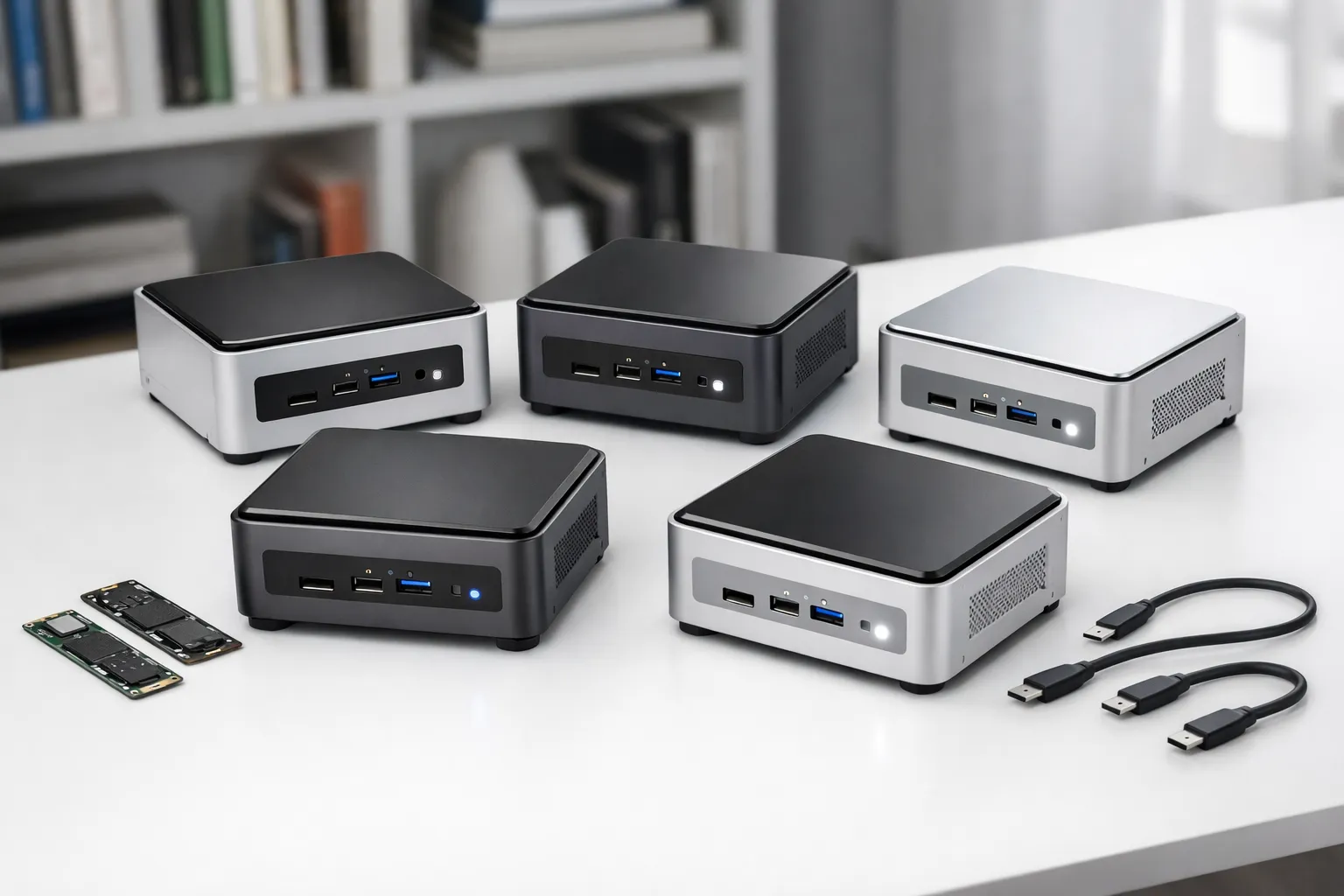
A 70B model at Q4_K_M needs roughly 40GB before you add any context, which rules out every 16GB machine. This guide draws on published specs and public benchmarks to match seven mini PCs and compact desktops, from the entry-level Mac mini (M4, 16GB) to the $6,699.99 Acer Veriton GN100, to the model sizes each one can hold and the generation speed its memory bandwidth allows.
Quick picks
If you already know the largest model you want to run, one of these four will likely fit. Each pick is judged on two numbers: memory capacity decides which models load, and memory bandwidth decides how fast they generate.
Disclosure: we may earn a commission if you buy through links on this page. It doesn't change our picks, which are based on published specs and public benchmarks, not lab measurements.
This is the cheapest of the seven and a good fit if you want a local LLM for chat, summarising or light coding help. It runs 7B–8B models at 4-bit quantization comfortably. Its 120 GB/s memory bandwidth is the limit: generation is noticeably slower than on the M4 Pro, and 14B-class models leave little headroom in 16GB.
The 64GB unified memory pool holds a 70B model at Q4 with room left for a usable context window, which no 16GB or 32GB machine can do. Its 273 GB/s bandwidth is more than double the base M4's. Expect single-digit tok/s on 70B but quick responses on 8B–32B models, which suits most people who want one machine for everything.
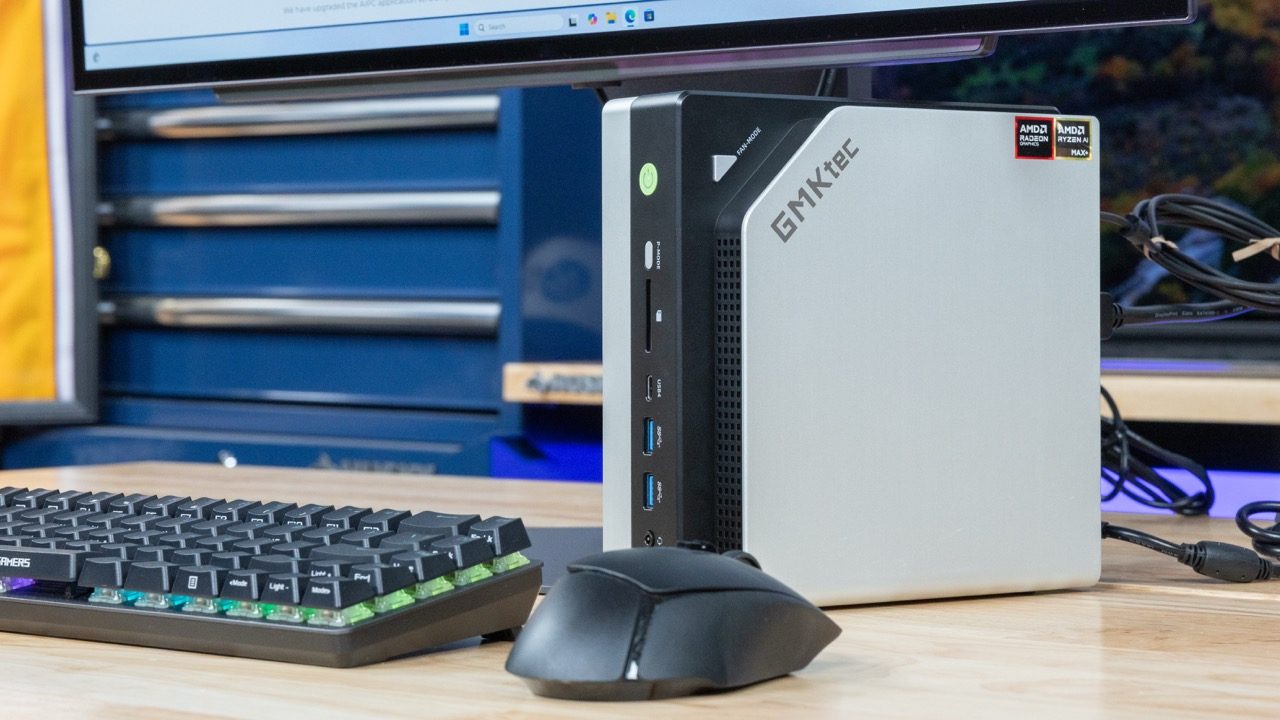
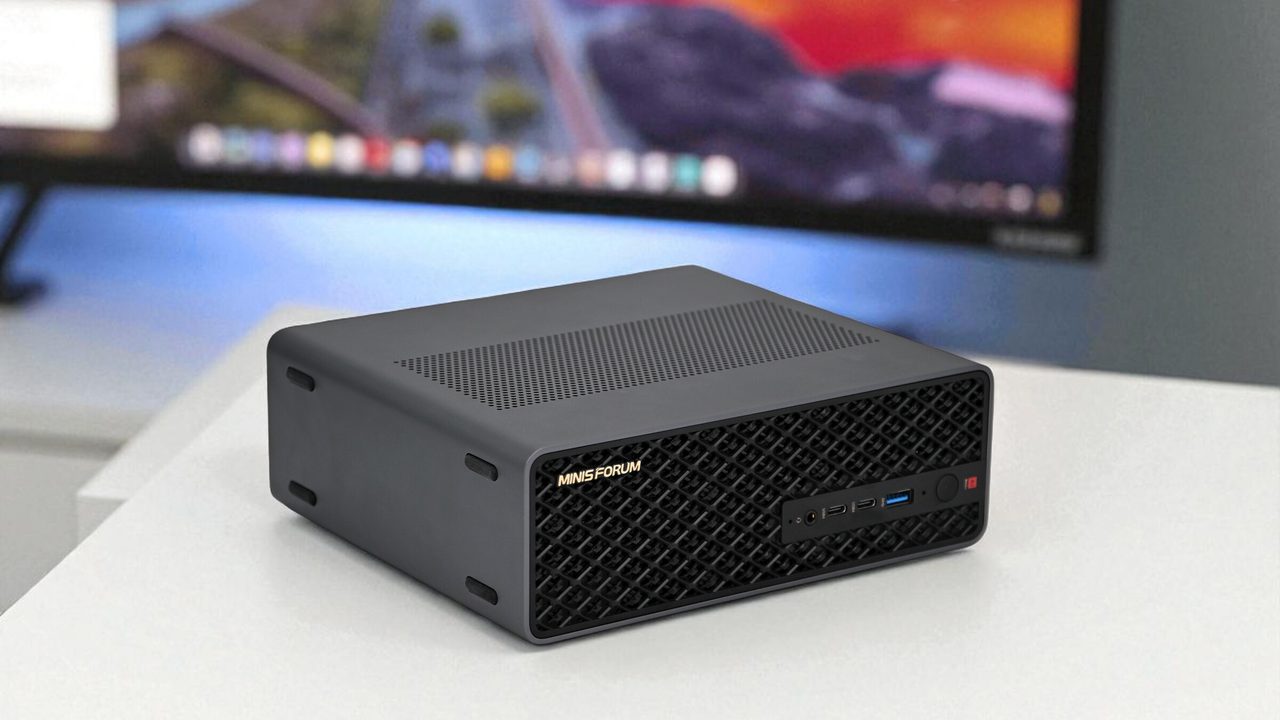
At $2,599.00, it is the least expensive way into 128GB of unified memory. It uses the Strix Halo Ryzen AI Max+ 395 with 256 GB/s bandwidth. The GMKtec EVO-X2 uses the same chip and costs about $900 more, so pick the Minisforum unless you specifically prefer the GMKtec's chassis. The trade-off is software: on Strix Halo you use llama.cpp's Vulkan or ROCm backends instead of Apple's more mature MLX.
With up to 819 GB/s of memory bandwidth, about three times the M4 Pro's, it has the highest generation ceiling in the catalog. That matters most on 70B-plus models, where every token has to read tens of gigabytes of weights. Buy it if tok/s on large models is the reason you're going local. If smaller models are fast enough for you, the bandwidth premium is hard to justify.
Still undecided? The Mac Studio (M4 Max) suits Mac buyers who want 128GB with more bandwidth than the M4 Pro, the GMKtec EVO-X2 suits Strix Halo buyers who prefer its chassis, and the CUDA-native Acer Veriton GN100 suits anyone fine-tuning on Nvidia tooling. The table below lines them up on price and rating.
All seven compared at a glance
| Product | Rating | Price | Buy |
|---|---|---|---|
 GMKtec EVO-X2 (Ryzen AI Max+ 395, 128GB) 128GB unified memory to run 70B-class models locally +128GB shared memory: fits 70B models+120W mode for long inference runs -Soldered memory: cannot upgrade beyond 128GB | $3,499.99 | Buy → | |
 Apple Mac mini (M4 Pro, 64GB) 64GB unified memory for 70B-class local models in a desk-sized box +64GB shared memory fits 70B-class quants+Small chassis runs quietly on a desk -No CUDA, so fewer fine-tuning tools | Buy → | ||
 Minisforum MS-S1 Max Best Value Ryzen AI Max+ 395 mini PC with dual 10GbE and a PCIe x16 slot for LLM clusters +64GB shared memory sidesteps VRAM limits+Dual 10GbE for multi-unit clustering -235B Q4 needs two units | $2,599.00 | Buy → | |
 Apple Mac Studio (M4 Max) Up to 128GB unified memory in a 7.7-inch box for large local models +128GB unified memory loads large models+7.7-inch square fits under monitors -No CUDA: some AI tools unsupported | $3,399.00 | Buy → | |
 Acer Veriton GN100 Editor's Choice 128GB unified memory and 20 cores for running large local models at your desk +128GB shared memory fits larger models+20 cores handle data-prep workloads -Upgrade voids Acer's original warranty | $6,699.99 | Buy → | |
| Apple Mac Studio (M3 Ultra) Up to 512GB of unified memory for very large local LLMs on one desk +512GB memory fits huge quantized models+80-core GPU speeds token generation -No CUDA: some AI tools unsupported | Buy → |
Prices as of Nov 16, 2026; they may have changed since.
Top picks side by side

128GB unified memory to run 70B-class models locally
- 128GB shared memory: fits 70B models
- 120W mode for long inference runs
- Two M.2 slots for model libraries
- Soldered memory: cannot upgrade beyond 128GB
- LPDDR5X: fewer tokens/sec than RTX VRAM

64GB unified memory for 70B-class local models in a desk-sized box
- 64GB shared memory fits 70B-class quants
- Small chassis runs quietly on a desk
- Front USB-C for quick drive swaps
- No CUDA, so fewer fine-tuning tools
- Prompt processing slower than Nvidia GPUs

Ryzen AI Max+ 395 mini PC with dual 10GbE and a PCIe x16 slot for LLM clusters
- 64GB shared memory sidesteps VRAM limits
- Dual 10GbE for multi-unit clustering
- PCIe x16 slot for add-in cards
- 235B Q4 needs two units
- Soldered LPDDR5x: no memory upgrades

Up to 128GB unified memory in a 7.7-inch box for large local models
- 128GB unified memory loads large models
- 7.7-inch square fits under monitors
- Quiet cooling during long inference runs
- No CUDA: some AI tools unsupported
- Memory fixed at purchase, no upgrades

128GB unified memory and 20 cores for running large local models at your desk
- 128GB shared memory fits larger models
- 20 cores handle data-prep workloads
- Up to 4TB SSD for models
- Upgrade voids Acer's original warranty
- Apps need manual install and setup
Up to 512GB of unified memory for very large local LLMs on one desk
- 512GB memory fits huge quantized models
- 80-core GPU speeds token generation
- 120Gb/s Thunderbolt 5 for Mac clustering
- No CUDA: some AI tools unsupported
- Prompt processing trails high-end NVIDIA GPUs

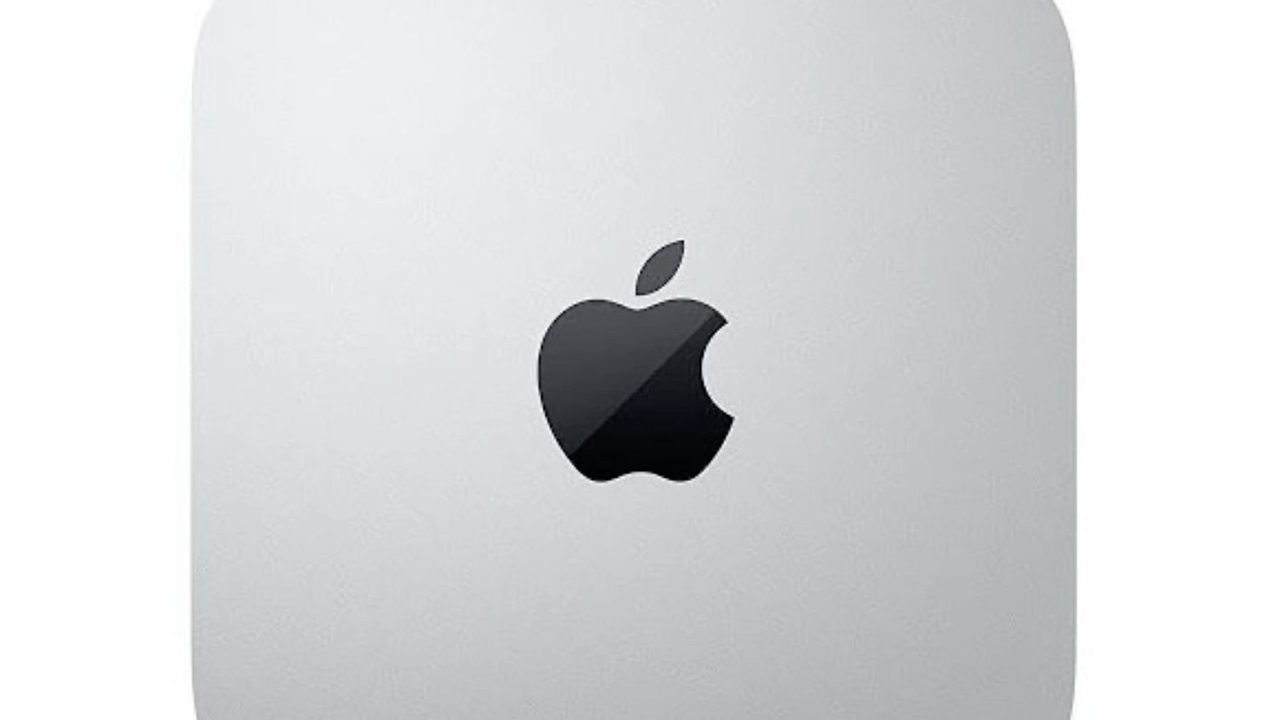
A 5x5-inch M4 box with 16GB unified memory for small local models
- 16GB unified memory runs small models
- 5x5-inch footprint fits beside monitors
- Thunderbolt: fast external model storage
- 16GB rules out larger models
- Memory can't be upgraded later
Prices as of Nov 16, 2026; they may have changed since.
How much memory you need and when 16GB becomes a ceiling
Capacity comes first: if the weights plus the context don't fit in unified memory, bandwidth is irrelevant. Work out the gigabytes before you compare tok/s.
Parameters to gigabytes
At 4-bit quantization (Q4_K_M and similar), plan on about 0.55–0.6GB per billion parameters. That gives roughly 5GB for an 8B model, 9GB for 14B, 19GB for 32B and 40GB for 70B.
The KV cache comes on top of that. It grows with the context window, so the same 14B model that fits easily at 4K tokens can run out of room when you feed it a long document or a large codebase.
On the Mac mini (M4, 16GB), macOS and your open apps leave around 10–11GB usable for the model. A 14B model at Q4 fits, but there is little headroom for long context. 32B models are out of reach.
That ceiling is permanent: the memory is soldered, so a 16GB machine stays a 16GB machine.
Bandwidth to tokens per second
Each generated token reads roughly the whole model from memory. That makes memory bandwidth divided by model size a reasonable upper bound on tok/s. Real-world results land below it once overhead is counted.
Using a 40GB 70B model as the example:
- At 273 GB/s (Mac mini M4 Pro, Acer Veriton GN100), it tops out near 6–7 tok/s.
- At 819 GB/s (Mac Studio M3 Ultra), the ceiling rises to near 20 tok/s.
That gap is the difference between a model you wait on and one you can read along with comfortably.
| Model size (4-bit) | Approx. weights | Ceiling at 273 GB/s | Ceiling at 819 GB/s | Smallest sensible pool |
|---|---|---|---|---|
| 8B | ~5GB | ~55 tok/s | ~160 tok/s | 16GB (Mac mini M4) |
| 14B | ~9GB | ~30 tok/s | ~90 tok/s | 16GB, short context only |
| 32B | ~19GB | ~14 tok/s | ~43 tok/s | 64GB (Mac mini M4 Pro) |
| 70B | ~40GB | ~6–7 tok/s | ~20 tok/s | 64GB minimum; 128GB for long context |
These figures are theoretical maximums derived from bandwidth alone; real-world generation lands below them. Long prompts add a separate wait for prefill, covered in the platform section below.
Where spending more pays off
Spend more if any of these apply to you:
- You need 32B–70B models. The Mac mini (M4 Pro, 64GB) is the cheapest way into that class.
- You work with long context windows. The KV cache needs room beyond the model weights.
- You keep several models loaded at once. 128GB pools give you that slack. The Minisforum MS-S1 Max is the cheapest at $2,599.00; the Mac Studio (M3 Ultra) costs more but pairs the capacity with 819 GB/s, enough to push 70B toward ~20 tok/s.
Don't spend more if 8B assistants and coding helpers already cover your work. Those models leave plenty of headroom on the Mac mini (M4, 16GB). Extra capacity would sit unused, and a faster chip would only speed up a model that is already quick.
macOS and MLX vs Strix Halo on ROCm/Vulkan vs Nvidia GB10
The memory spec sets the ceiling, but the software stack determines how much setup work stands between you and a running model. These three platforms are not interchangeable. Apple is the smoothest for inference, Strix Halo is the cheapest route to 128GB, and GB10 is the only one that runs CUDA natively.
- Apple silicon: MLX + Metal — MLX and llama.cpp's Metal backend are mature. LM Studio and Ollama work as soon as they're installed, with no drivers to manage.
- Strix Halo: Vulkan first — The Vulkan backend in llama.cpp is the low-friction path on the GMKtec EVO-X2 and Minisforum MS-S1 Max. ROCm works, but expect rougher edges.
- GB10: native CUDA — The Acer Veriton GN100 runs the Nvidia AI stack directly, which matters once you move beyond inference into fine-tuning.
- Prefill vs generation — Prompt processing (prefill) is compute-bound, while tok/s generation is bandwidth-bound. Long-document work can rank these machines differently.
Apple silicon: least friction, all memory usable
On every Mac here, from the Mac mini (M4, 16GB) up to the Mac Studio (M3 Ultra), nearly the whole unified memory pool is addressable by the GPU, apart from what macOS reserves for itself. You don't carve out a fixed GPU partition. MLX-format models in LM Studio often run a little faster than the equivalent GGUF builds. Ollama covers the command-line and API workflow. For anyone who wants to run chat, coding or RAG with open-weight models locally, without maintaining a Linux box, the Mac is the default choice.
Strix Halo: 128GB for less, with some tuning
The Minisforum MS-S1 Max ($2,599.00) and GMKtec EVO-X2 ($3,499.99) share the Ryzen AI Max+ 395 and its 128GB pool, undercutting the Mac Studio (M4 Max) at $3,399.00 on price. On both, llama.cpp's Vulkan backend is the reliable starting point. ROCm support is improving release by release, but it is less polished, and some builds and tools lag behind. Memory allocation is the bigger issue. Linux handles large GPU memory pools more flexibly than Windows, which matters if you want 70B-class models plus a long context window resident at the same time. Plan to run Linux if 128GB is the reason you're buying one of these.
GB10: CUDA is the point, not tok/s
The Acer Veriton GN100 is the only machine here where PyTorch training scripts, CUDA-only libraries and Nvidia's containers run without workarounds. Its 273 GB/s memory bandwidth matches the Mac mini (M4 Pro, 64GB), so a 40GB 70B model tops out near the same 6–7 tok/s, roughly a third of the Mac Studio (M3 Ultra)'s 819 GB/s ceiling. At $6,699.99, the GN100 makes sense if you fine-tune or build on Nvidia tooling. It is a poor buy if you only want faster chat.
Where the ranking flips
| Workload | Limited by | Platform that tends to benefit |
|---|---|---|
| Short prompts, long answers | Memory bandwidth | Mac Studio (M3 Ultra), Mac Studio (M4 Max) |
| Long documents, big RAG contexts (TTFT) | GPU compute for prefill | Acer Veriton GN100 |
| Fine-tuning, CUDA frameworks | Software compatibility | Acer Veriton GN100 |
| Largest model per dollar | Capacity | Minisforum MS-S1 Max |
If you mostly paste in 50-page PDFs, prefill speed shapes the experience more than tok/s, which is why the GN100 can show the first token sooner than a Mac with more bandwidth, then generate more slowly afterward.
Frequently asked questions
Can I upgrade memory later?
No. All seven machines, from the Mac mini (M4, 16GB) to the Acer Veriton GN100, use soldered unified memory, so the capacity you order is the capacity you keep. Choose for the largest model you expect to run over the machine's life, not the one you're trying this week. If you're torn between two tiers, the larger pool usually costs less than replacing the whole box a year from now.
Is the Mac Studio (M4 Max) worth it over the Mac mini (M4 Pro, 64GB)?
It's worth it if you need 128GB. Configured with 128GB of unified memory, the Mac Studio (M4 Max) holds 70B-class models with room for a long context window. Its higher memory bandwidth also raises tok/s on those large models, which you'll notice in long chat or coding sessions. If your models already fit in the Mac mini (M4 Pro, 64GB)'s 64GB pool, the upgrade buys speed you may not need. In that case, put the difference toward storage, or toward a Strix Halo box like the Minisforum MS-S1 Max if you want 128GB at a lower price.
Do these replace a cloud API?
For many daily tasks, yes. Private chat, coding assistants and RAG over your own documents run well with open-weight models, and nothing you type leaves the machine. These boxes are built for inference. Frontier-scale models, very large context jobs and serious training still need cloud capacity or multi-GPU hardware. Most people end up mixing the two: they run routine work locally and send the hardest prompts to a cloud API.
Which quantization should I start with?
Start with Q4_K_M in llama.cpp-based tools such as Ollama and LM Studio, or MLX 4-bit on Apple silicon. Either one gives a good balance of output quality and model size. Move up to Q5 or Q6 only when you have spare memory after accounting for the model and your context window. A 4-bit build of a larger model usually beats a 6-bit build of a smaller one.
Latest reviews
Guides & articles